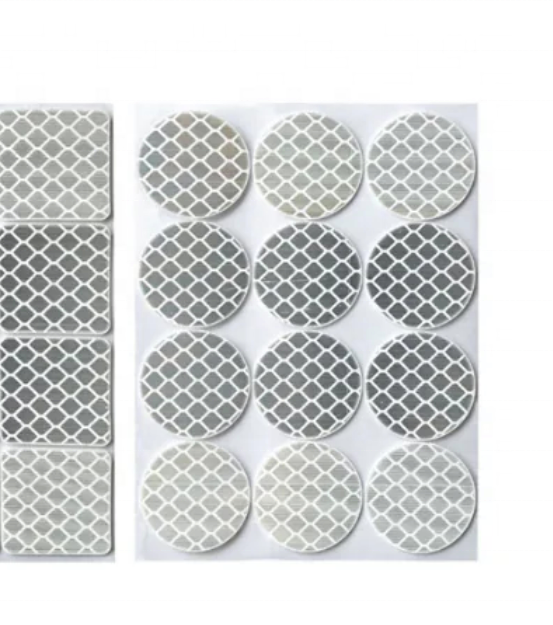
Round Reflective Stickers
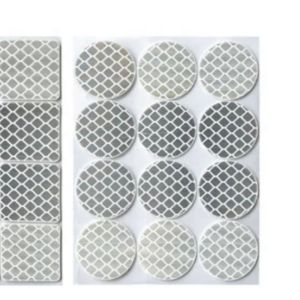
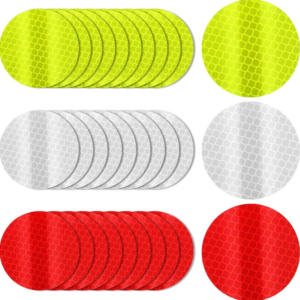
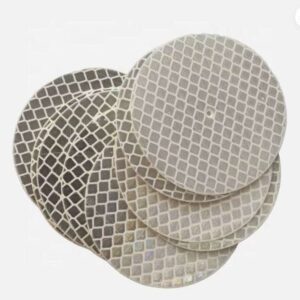
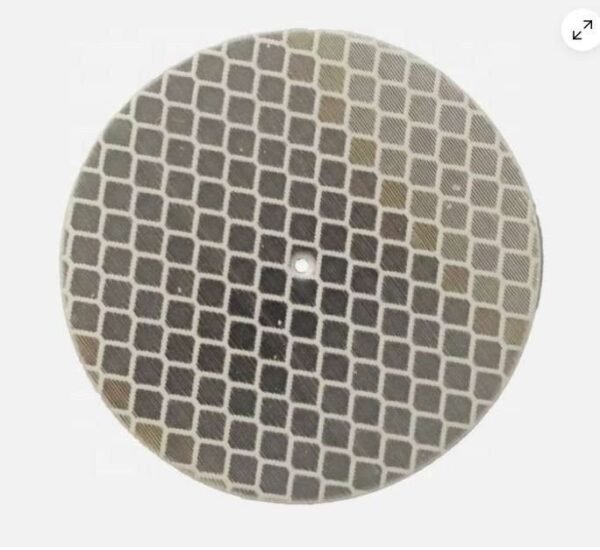
Round white/silver stickers provide compact reference markers. Confirm diameter, mounting position and compatibility with your sensing system.
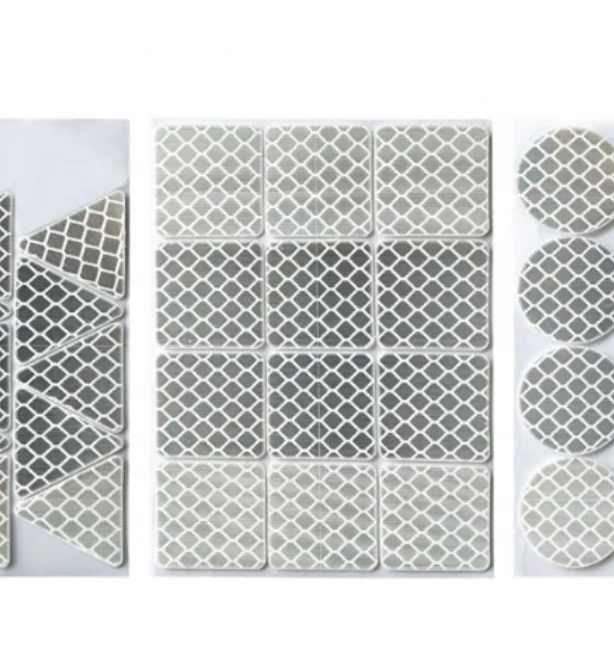
Square and Custom Shapes
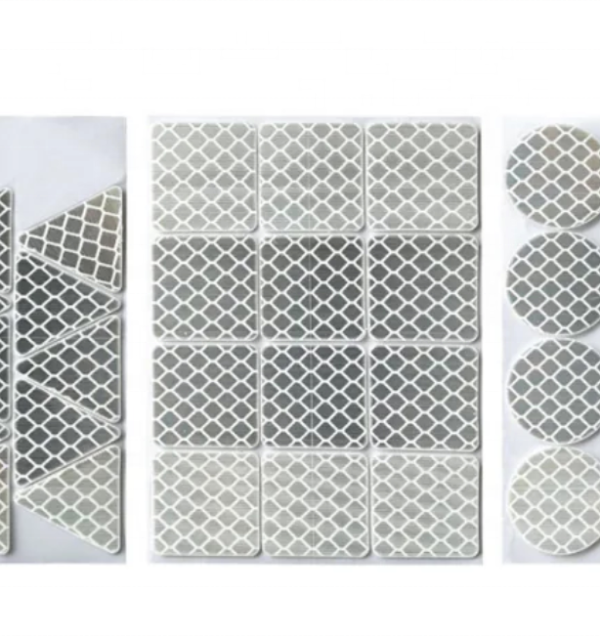
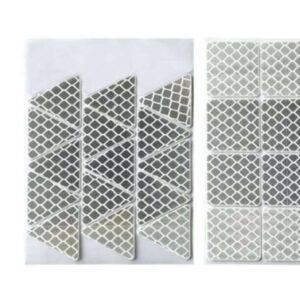
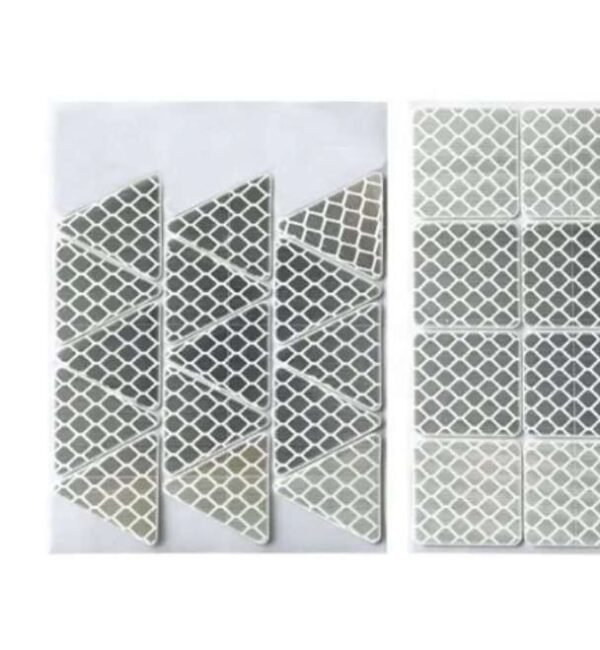
Square and triangular formats are shown alongside round stickers. Send your drawing, dimensions and quantity for a quotation.
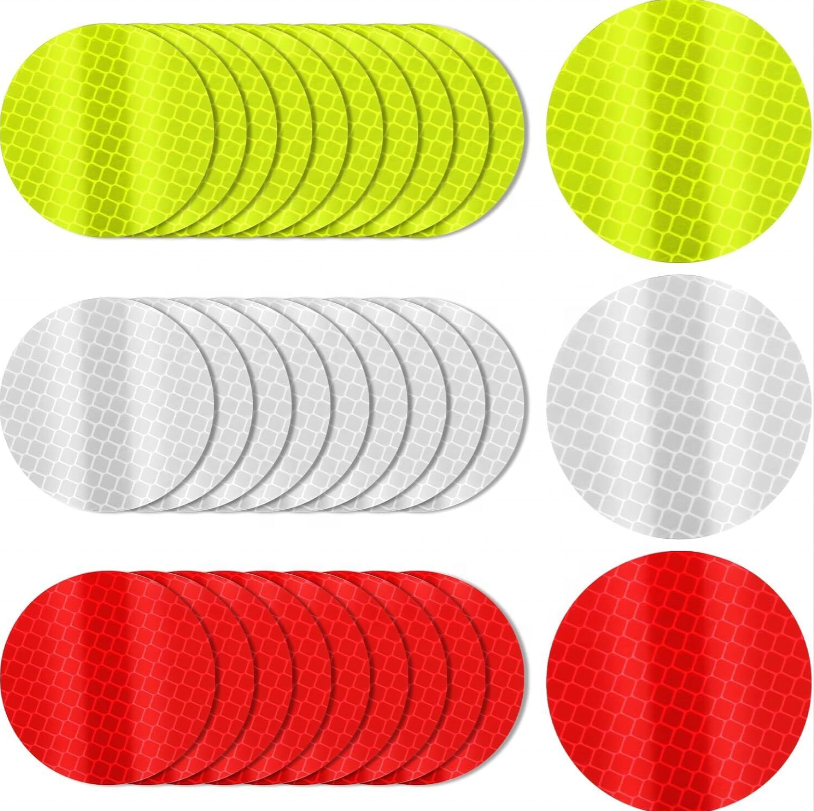
Color Options
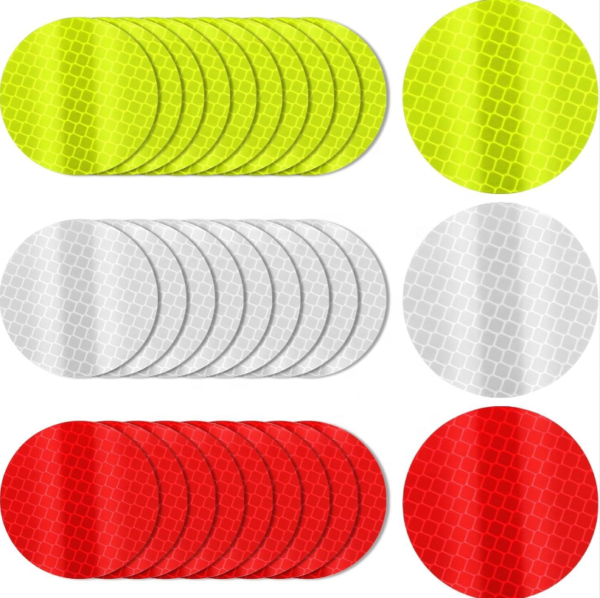
White/silver, yellow and red examples are shown. Reflective response can vary by color and system; test a sample with your equipment before ordering.
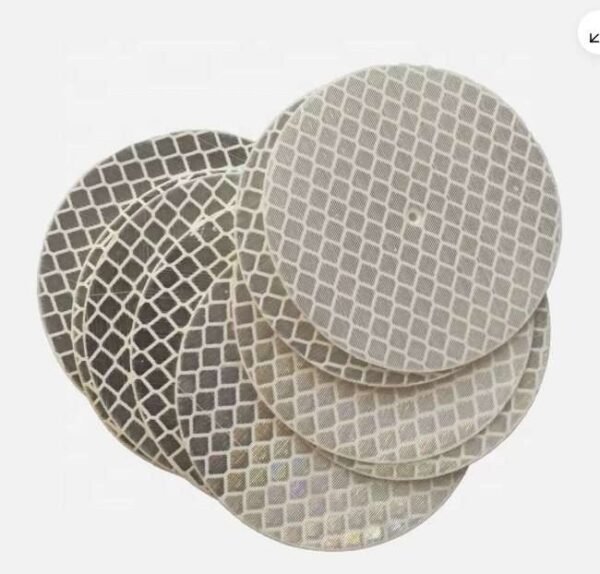
Round Marker & Center-Hole Detail
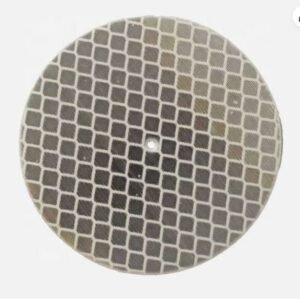
The circular examples below show the white/silver reflective surface and small center holes visible in the photographed pieces. Specify whether your marker needs a hole, along with its diameter and position; a center hole should not be assumed for every round format.
Triangular & Square Cut Shapes
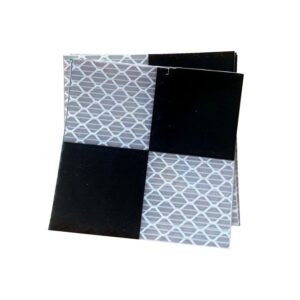
The sheeted examples show triangular and square reflective pieces on a release backing. Shape and layout can be selected to suit the available mounting area and the recognition method used by your system. Send a drawing for any custom outline, spacing or hole requirement.
Select Markers for Your System
- Sensor compatibility: Confirm the required reflector construction with the AGV, robot or sensor supplier. Similar-looking reflective materials can produce different responses.
- Size and geometry: Specify circle diameter or width and height, plus any corner radius, hole size and dimensional tolerances.
- Mounting layout: Provide the intended mounting surface, spacing, height and viewing direction.
- Color: White/silver is the primary color shown. Yellow and red examples are alternatives to discuss; evaluate the selected color with the actual sensing equipment.
Installation & Trial Checks
- Choose a stable mounting point within the sensor field of view and prepare a clean, dry surface.
- Position the marker without folding or stretching the reflective face. For adhesive-backed pieces, remove the release liner and press evenly across the marker.
- Run a trial with the actual equipment at the intended distances and approach angles, following the system supplier guidance.
- Inspect markers during routine system checks. Replace pieces that lift, move, become dirty or are damaged.
Frequently Asked Questions
Do these markers guarantee navigation accuracy?
No. Recognition and positioning performance depend on the sensor, software, marker specification, layout and operating environment. Validate the complete setup with samples.
Can I order individual pieces or a sheet layout?
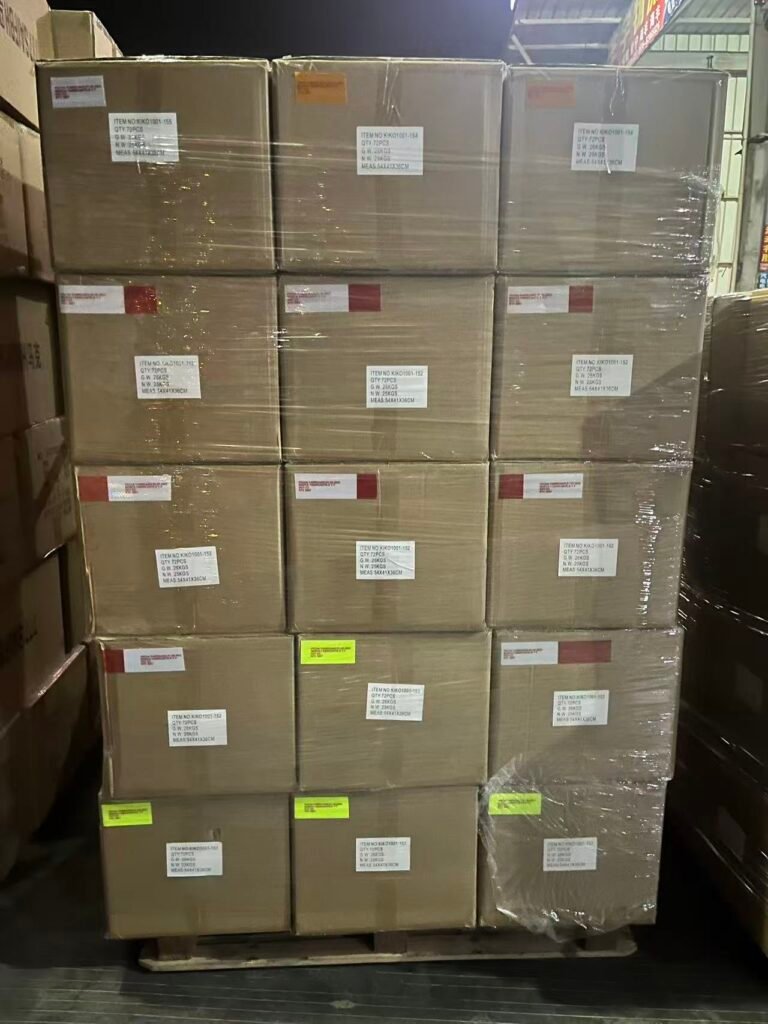
Send your preferred supply format, pieces per sheet and total quantity. The images show several cut-piece and sheeted examples; available packing will be confirmed.
What is needed for a custom shape?
Provide a dimensioned drawing, quantity, material requirements and details of the sensing system and mounting surface.
Customization & Ordering
Contact Xingyuan with the shape, dimensions, hole details, color, quantity, required sheet layout, equipment model and destination. We will confirm the material options, samples, packaging and delivery for your project.